
Golden Harvest: from zero to a published game
How our 3D farm made in Godot came together, from the camera to the market and from the browser build to Android, with a snippet of the real code for each step.
Golden Harvest (Colheita de Ouro) is a calm 3D farm: you plant, water, harvest and sell from the pickup truck to keep growing your land. We made it in Godot, with models in Blender, and it has been free in the browser on itch.io since November 2, 2026.
From zero to launch, in code
These are the main building steps, each with a short snippet of the game’s real code, in GDScript, Godot’s language. The first five happened between October 31 and November 1, before the first commit to Git, so their snippets show the code as it was in the published version. In the game the code is written in Portuguese; here the names and comments were translated into English, with the same logic.
Farm camera and controls
There is no character: the camera is what moves around the farm, with WASD or the arrow keys.
scripts/camera/farm_camera.gd func _process(delta: float) -> void: var direction: Vector2 = Input.get_vector(&"move_left", &"move_right", &"move_up", &"move_down") if direction == Vector2.ZERO: return # The "Camera speed" option multiplies it (dragging with a finger still follows the finger). var speed: float = keyboard_speed * _camera.size / initial_zoom * Options.camera_speed position += (_right() * direction.x - _forward() * direction.y) * speed * delta _clamp_position()Plant, water and harvest
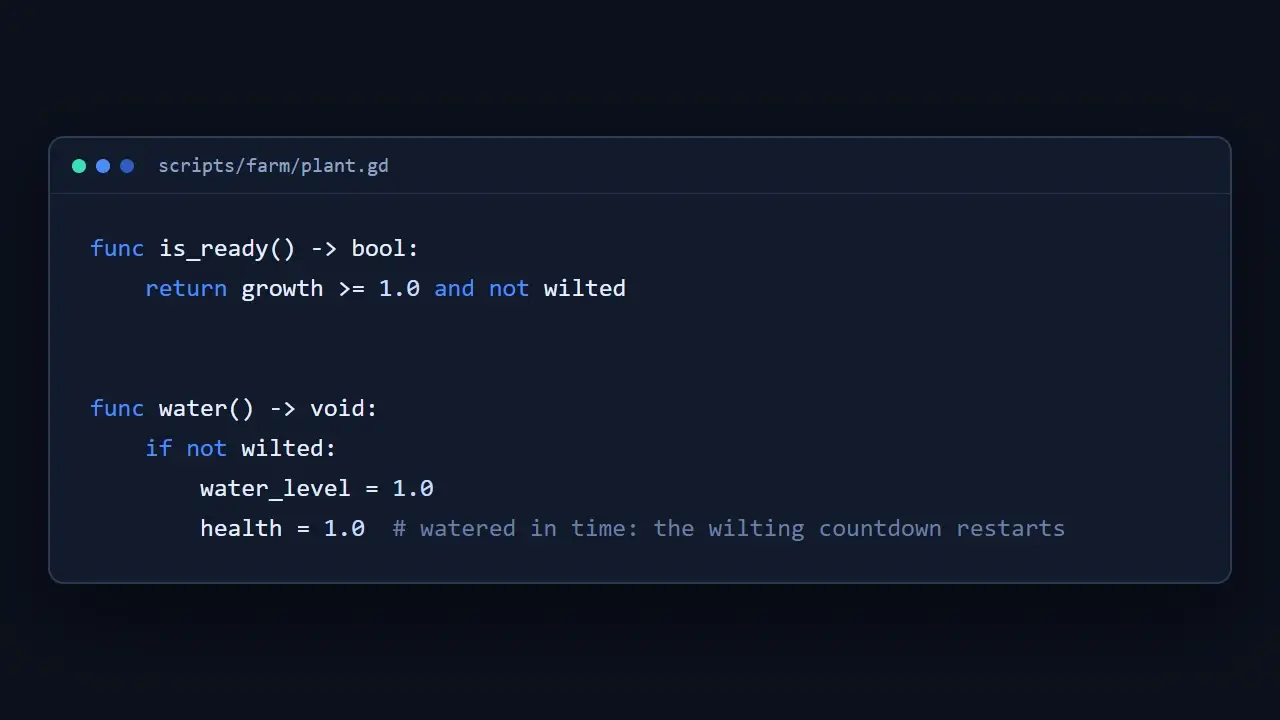
A plant only grows while it has water, and watering it in time restores its health.
scripts/farm/plant.gd func is_ready() -> bool: return growth >= 1.0 and not wilted func water() -> void: if not wilted: water_level = 1.0 health = 1.0 # watered in time: the wilting countdown restartsMarket and coins
The harvest goes into the pickup truck sale slots, and each unit sold slowly turns into coins.
scripts/autoload/market.gd while slot["progress"] >= time and slot["remaining"] > 0: slot["progress"] -= time slot["remaining"] -= 1 var value: int = price(slot["item"]) slot["earned"] += value GameState.add_coins(value, &"sale", slot["item"]) GameState.count(&"sold") changed = trueAutosave
The game saves on its own when the window closes or when the phone sends the game to the background.
scripts/autoload/save_system.gd func _notification(what: int) -> void: match what: NOTIFICATION_WM_CLOSE_REQUEST, NOTIFICATION_APPLICATION_PAUSED, NOTIFICATION_APPLICATION_FOCUS_OUT: save() upload_to_cloud()Two-finger touch
On phones, the camera tracks each finger on screen. With two fingers, the move, zoom and rotate gesture begins.
scripts/camera/farm_camera.gd func _handle_touch(touch: InputEventScreenTouch) -> void: if touch.pressed: _touches[touch.index] = touch.position else: _touches.erase(touch.index) if _touches.size() == 2: _start_gesture()Live in the browser
In the browser build Godot makes the scene too bright, so we adjusted light and colour for that build only.
scripts/autoload/options.gd ## In the browser, Godot renders in "Compatibility" mode, which makes the scene too bright (the road ## turns white); there, the sun and the ambient light are multiplied by this value. const COMPATIBILITY_LIGHT_FACTOR: float = 0.55 const COMPATIBILITY_SATURATION: float = 1.25 ## Saturation of the 3D world (1 = the original Palette colors). const WORLD_SATURATION: float = 0.72Ready for Android
The phone back button now works like the Esc key, instead of closing the game.
scripts/autoload/screen.gd func _notification(what: int) -> void: if what != NOTIFICATION_WM_GO_BACK_REQUEST: return for pressed: bool in [true, false]: var event: InputEventAction = InputEventAction.new() event.action = &"cancel" event.pressed = pressed Input.parse_input_event(event)
By the numbers
The game launched with 132 scripts and almost 17 thousand lines of code. A week later, it already has 160 scripts and more than 20 thousand lines, with new versions published on November 3, 5, 7 and 8.
The next steps for Golden Harvest will show up here on the devlog too. See you at the next scene.